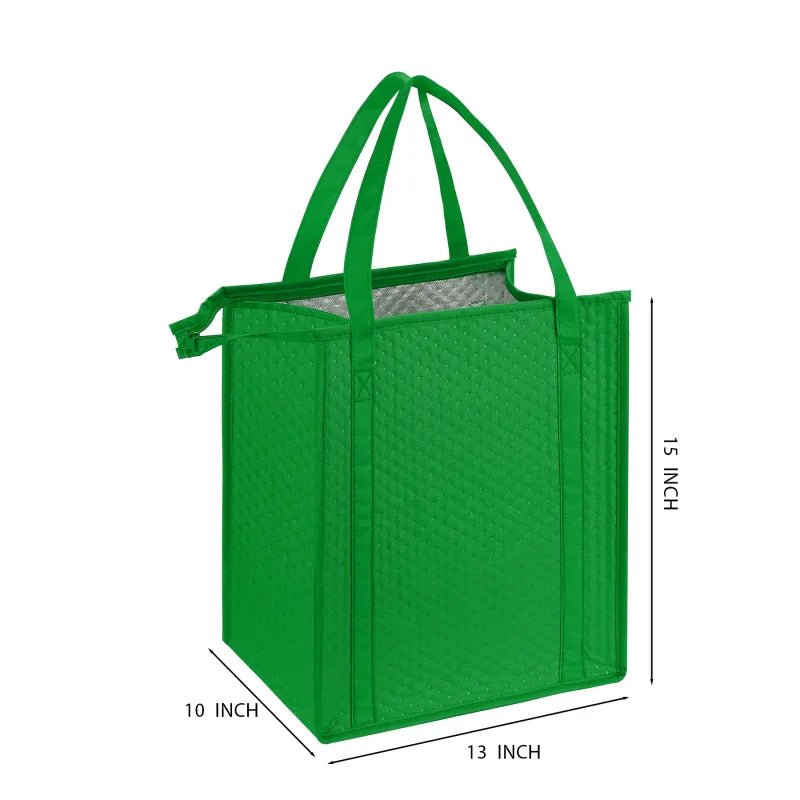
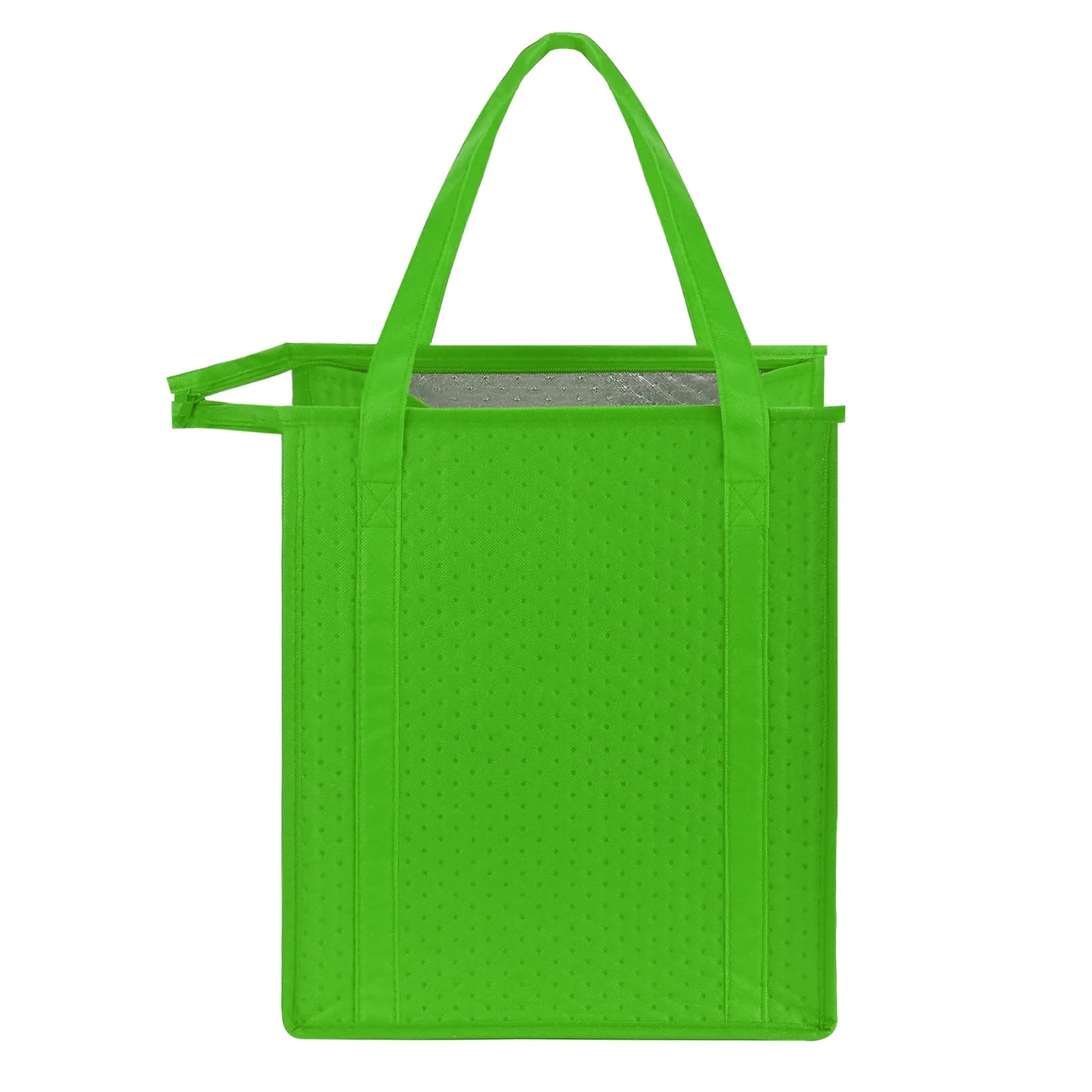
The Popular Non-Woven Cooler Tote Bag is available in many colors! It features durable 238 combined GSM premium non-woven polypropylene exterior, thermal foil interior to Keep Items Warm Or Cold for hours. The dual-reinforced 24" handles make it convenient to carry, and a plastic bottom insert for better weight support. The zippered main compartment provides a large capacity, perfect for shopping, picnics and travel. This insulated cooler bag also features a large imprint area of 6" W x8" H on both sides, which can display your message for brand building opportunity. The product supports customization. It is recyclable and reusable, promoting environmental sustainability. Spot Clean/Air Dry.
Standard Color Options: Red, Black, Grey, Navy Blue, Purple, Royal Blue, Orange, Green, Lime Green, Teal Blue, Khaki, White
Material: Dimpled Non-woven Foil Lining
Product Size: 13'' x 10'' x 15''
Product Weight: 0.31 lbs
Imprint Method: Screen Print, Heat Transfer
Imprint Area (inch): Front - 6'' x 8'', Back - 6'' x 8''
Packing Method: bulk
For Screen Printing:
- Size: Set your artwork to the actual dimensions you want it printed.
- Color Mode: File in the CMYK color model. For single-color printing, submit your artwork in 100% black on a transparent or white background, the black areas will be printed.
- Resolution: 300 dpi for optimal clarity.
For Digital T-Shirt Printing:
- Size: Set your artwork to the actual dimensions you want it printed.
- Color Mode: Save your file in the CMYK color model on a transparent background.
- File Format: Preferred formats are .PDF or .PNG with a minimum resolution of 300 dpi; .PNG files usually provide the best results.
For Digital Large Format Printing:
- Size: Set your artwork to the actual dimensions you want it printed.
- Color Mode: Save your file in the CMYK color model.
File Format: Acceptable formats include .PDF, .JPEG with a minimum resolution of 150 dpi; .PDF files are often preferred.
For Offset Printing:
- Size: Set your artwork to the actual dimensions you want it printed.
- Bleed Area: Include a bleed area of 2mm to 4mm (0.125" to 0.25") beyond the finished size. For example, for a 5" x 7" postcard, the design size should be 5.125" x 7.125".
- Color Mode: Save your file in the CMYK color model.
- File Format: Preferred formats are .PDF or .JPEG with at least 300 dpi resolution; .PDF files typically yield the best results.
- Text: Rasterize or convert all text layers to outlines to prevent font issues.