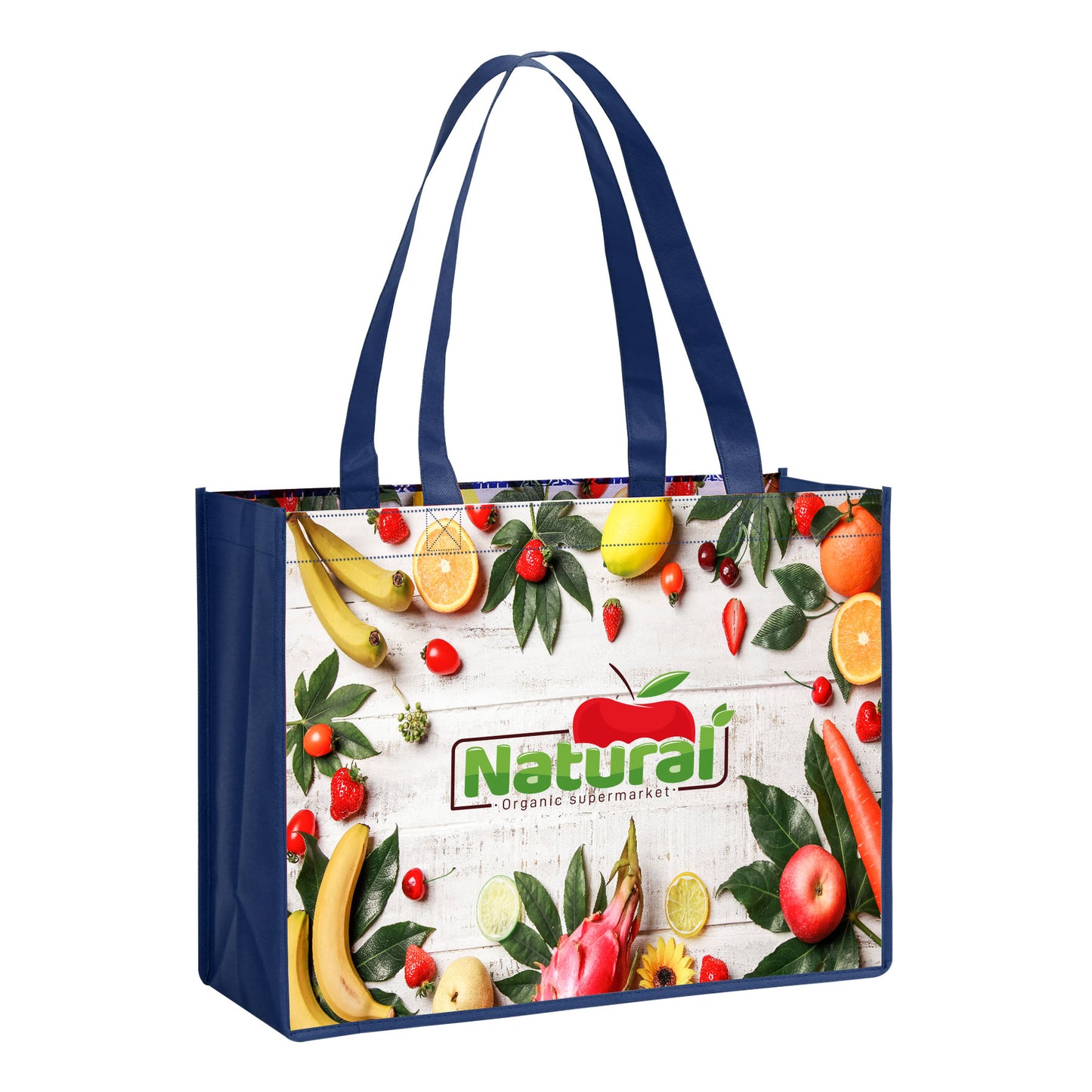
Check out this large 130 GSM non-woven matte laminated tote bag. (Handle, trims & gusset are 100 GSM not laminated.)Make your design stand out with front and back panels for your canvas, and seam to seam full color imprint. These are great for trade shows, conventions, shopping, travel and more. Create a lasting impression at your next event with eye-catching designs, sure to turn heads. All sides laminated bag is also an option for this item.
For Screen Printing:
- Size: Set your artwork to the actual dimensions you want it printed.
- Color Mode: File in the CMYK color model. For single-color printing, submit your artwork in 100% black on a transparent or white background, the black areas will be printed.
- Resolution: 300 dpi for optimal clarity.
For Digital T-Shirt Printing:
- Size: Set your artwork to the actual dimensions you want it printed.
- Color Mode: Save your file in the CMYK color model on a transparent background.
- File Format: Preferred formats are .PDF or .PNG with a minimum resolution of 300 dpi; .PNG files usually provide the best results.
For Digital Large Format Printing:
- Size: Set your artwork to the actual dimensions you want it printed.
- Color Mode: Save your file in the CMYK color model.
File Format: Acceptable formats include .PDF, .JPEG with a minimum resolution of 150 dpi; .PDF files are often preferred.
For Offset Printing:
- Size: Set your artwork to the actual dimensions you want it printed.
- Bleed Area: Include a bleed area of 2mm to 4mm (0.125" to 0.25") beyond the finished size. For example, for a 5" x 7" postcard, the design size should be 5.125" x 7.125".
- Color Mode: Save your file in the CMYK color model.
- File Format: Preferred formats are .PDF or .JPEG with at least 300 dpi resolution; .PDF files typically yield the best results.
- Text: Rasterize or convert all text layers to outlines to prevent font issues.