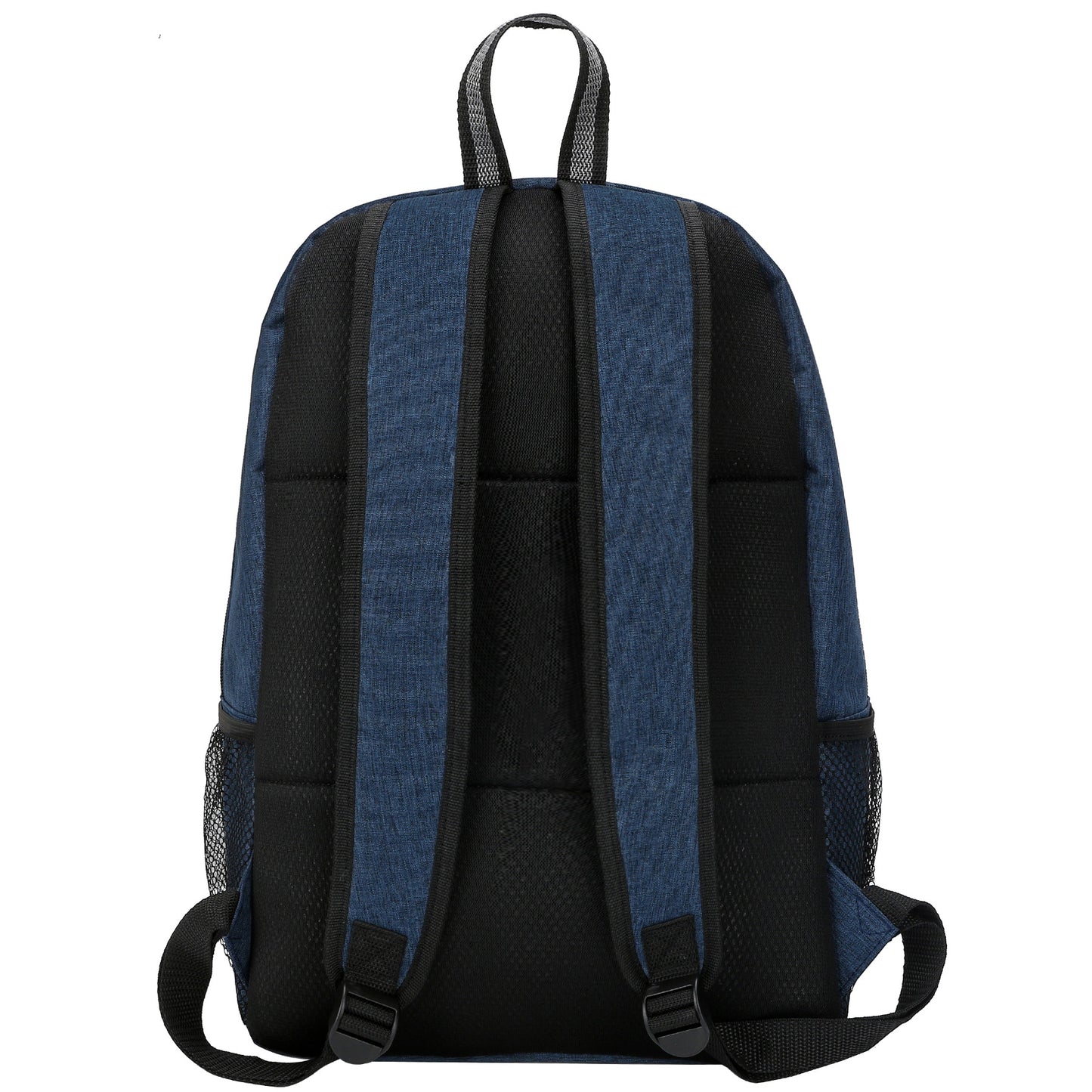
This double pockets backpack is made of 300D high density heathered polyester which is durable and fashionable. With seperated front pockets, it allows more room for small stuff organization like wallet, cards, sunglasses and power banks. The main compartment with a padded laptop sleeve which holds up to 15.6" computer. Double zipper pullers allow for quick and effortless access to the contents of a bag or garment. You can open or close the zipper from either end, making it more user-friendly. Filled with breathable mesh in back and S strap to easy long time carry. Decorate your logo on either up or low pocket with silk screen, heat transfer or embroidery to enhance recognition. This stylish and practical bag is ideal for teens, college students, and adults. Two color options to match your style, making it perfect for school, travel, work, and everyday adventures.
For Screen Printing:
- Size: Set your artwork to the actual dimensions you want it printed.
- Color Mode: File in the CMYK color model. For single-color printing, submit your artwork in 100% black on a transparent or white background, the black areas will be printed.
- Resolution: 300 dpi for optimal clarity.
For Digital T-Shirt Printing:
- Size: Set your artwork to the actual dimensions you want it printed.
- Color Mode: Save your file in the CMYK color model on a transparent background.
- File Format: Preferred formats are .PDF or .PNG with a minimum resolution of 300 dpi; .PNG files usually provide the best results.
For Digital Large Format Printing:
- Size: Set your artwork to the actual dimensions you want it printed.
- Color Mode: Save your file in the CMYK color model.
File Format: Acceptable formats include .PDF, .JPEG with a minimum resolution of 150 dpi; .PDF files are often preferred.
For Offset Printing:
- Size: Set your artwork to the actual dimensions you want it printed.
- Bleed Area: Include a bleed area of 2mm to 4mm (0.125" to 0.25") beyond the finished size. For example, for a 5" x 7" postcard, the design size should be 5.125" x 7.125".
- Color Mode: Save your file in the CMYK color model.
- File Format: Preferred formats are .PDF or .JPEG with at least 300 dpi resolution; .PDF files typically yield the best results.
- Text: Rasterize or convert all text layers to outlines to prevent font issues.